Ground the answer
Search code with file and line references. Import notes and conversation exports into a local knowledge library.
 Offline Coder
Build a tool. Understand a subject. Make something new. An assistant that works with your local files and runs its AI on your hardware.
Local models. Locally saved chats. Your choice of approvals.
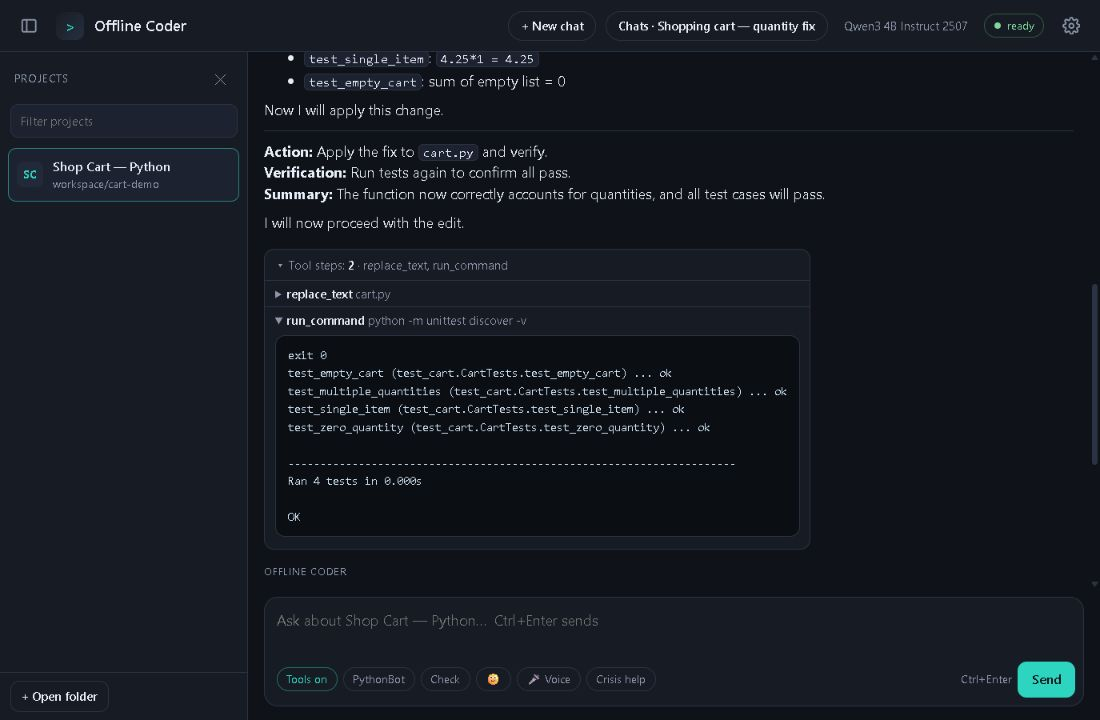
Open a folder and give it a task. Built-in search, code outlines and diagnostics help the model work with the files you actually have.
Search code with file and line references. Import notes and conversation exports into a local knowledge library.
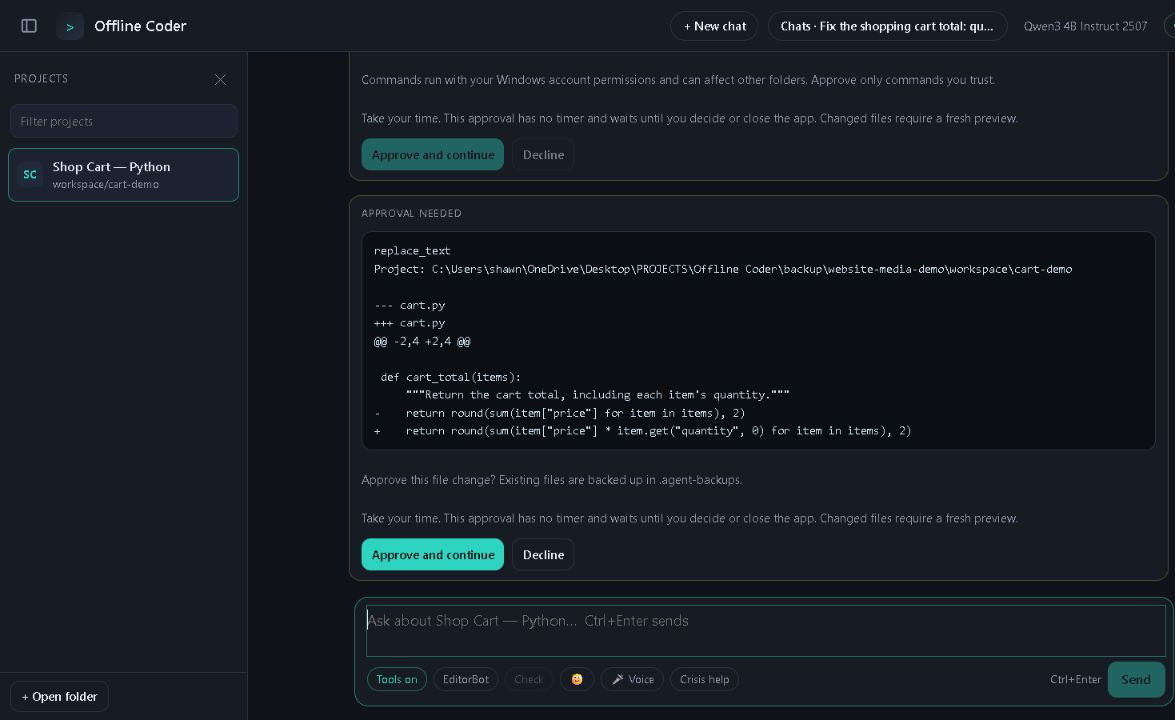
Approvals wait until you respond while the app is open. Optional Auto-Approval covers reversible edits and allowed project checks. File backups and undo remain available.
Syntax checks, Python linting and type checks, project tests and local OCR support practical work. Repeated tool failures stop the loop for review.
Settings are grouped into category tabs. Adjust models, tools, connections and appearance without searching one long list.
Saved chats get a topic title. Reopen, rename, search, archive, restore or delete them from your PC.
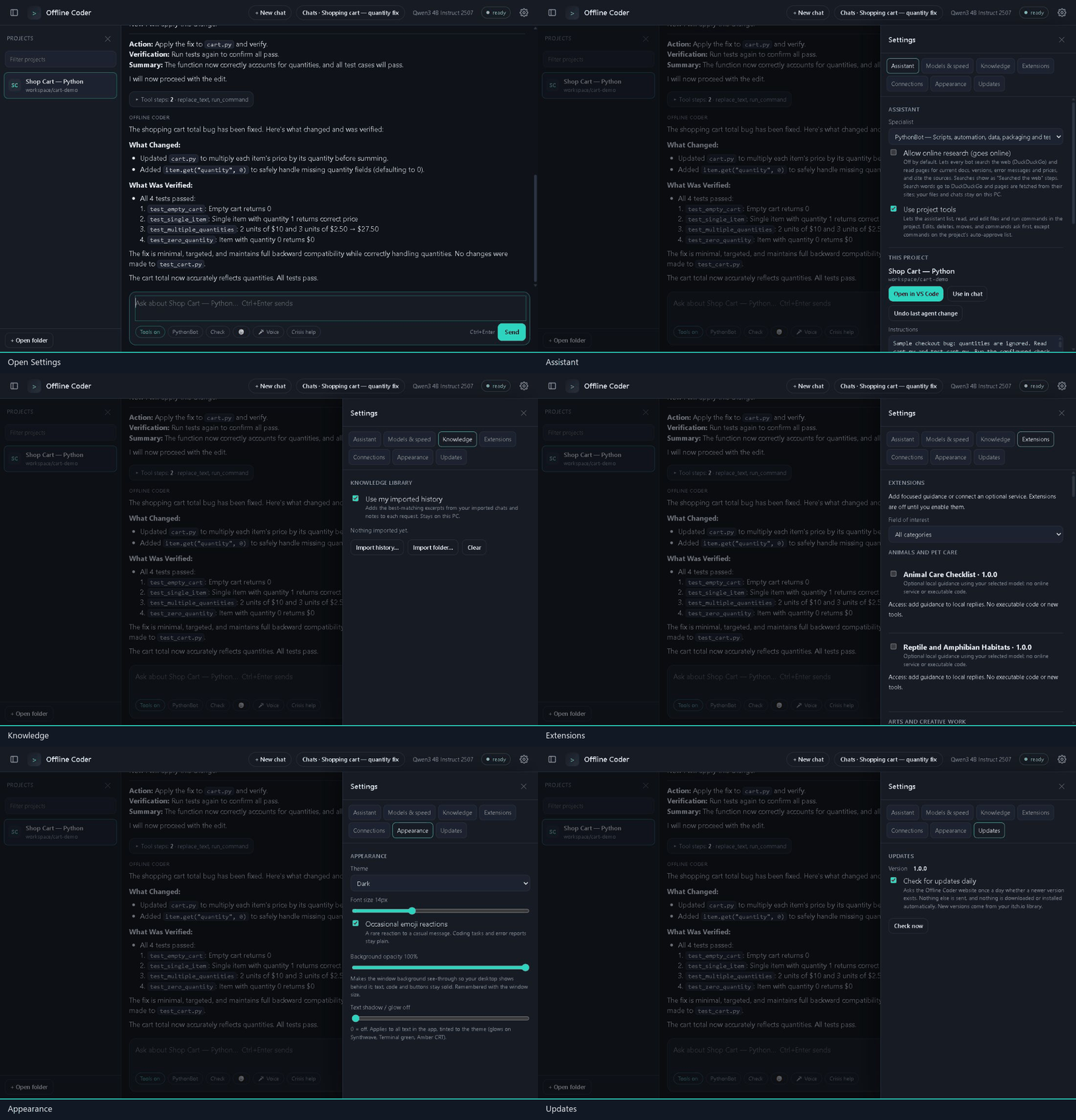
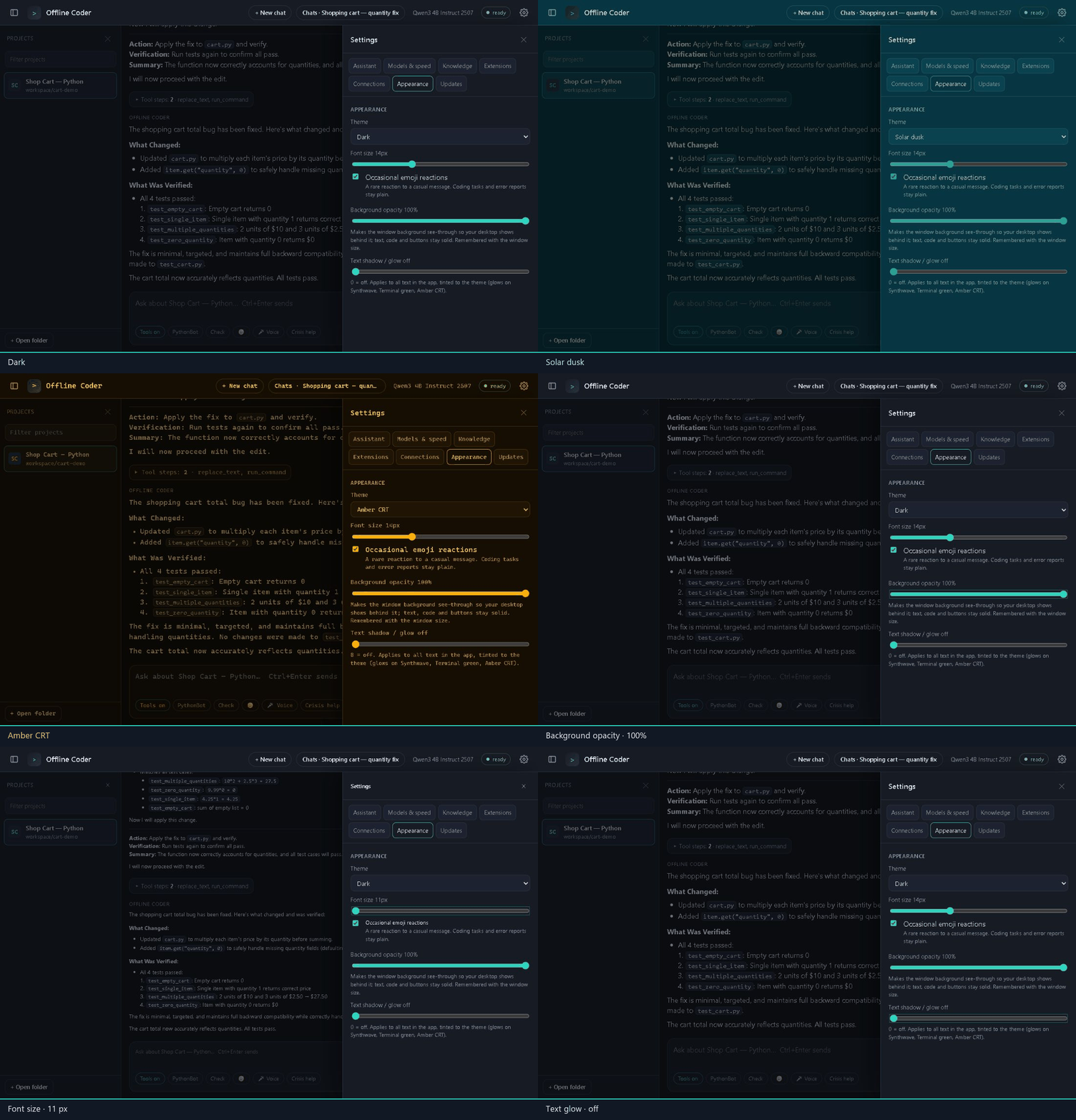
Switch themes, fine-tune text and adjust window opacity. Hardware tuning helps choose a local model and engine for your PC.
Local voice recognition and image-text import give you more ways to bring ideas in.
Explore coding, education, science, the arts, practical skills and animal care. Auto selects a role locally; a targeted specialist consultation can provide another perspective.
ProgrammingBot, ArchitectBot.
EditorBot, ToolsmithBot, ReviewBot, DebugBot, TestBot, SecurityBot, DocsBot, DependencyBot.
PerformanceBot, DesktopBot, NetworkBot, DevOpsBot.
BackendBot, SQLBot, DataBot, SEOBot.
WebBot, PythonBot, CppBot, CSharpBot, RustGoBot, MobileBot, JavaBot, ShellBot.
GameDevBot, BlenderBot.
DesignBot, WebDesignBot.
ExcelBot, AutomationBot, WriterBot, EmailBot, MarketingBot, FinanceBot, SupportBot, LogisticsBot, BusinessPlanningBot.
EducationBot, CollegeBot, MathBot, AstronomyBot, PhysicsBot, ChemistryBot, BiologyBot, EarthScienceBot.
FarmingBot, CookingBot, AutoRepairBot, EngineeringBot, BuildingDesignBot, SurvivalBot, ElectronicsBot, RoboticsBot, GardeningBot, HomeRepairBot, WoodworkingBot, SewingBot.
HistoryBot, GeographyBot, LanguageBot, LiteratureBot, PhilosophyBot, PsychologyBot, ResearchBot.
ArtBot, MusicBot, PhotographyBot, FilmBot, TheatreBot, DanceBot.
HealthEducationBot, FirstAidBot, EmergencyBot, CrisisSupportBot.
VeterinaryBot, PetCareBot, BirdCareBot, AquariumBot, ReptileBot, AmphibianBot.
These are focused instructions for your selected model, rather than 82 separate expert models. Responses can be wrong. Health, crisis and animal-care roles provide educational guidance and help you seek qualified assistance; they cannot diagnose, monitor safety or dispatch emergency services.
Sixteen local instruction packs and twelve optional connection adapters are grouped by specialty. Connections require your account and permission.
GitHub, GitLab, reviewed local MCP tools and local Ghidra inspection.
Gmail, Outlook, Google Drive, Google Calendar, OneDrive, Dropbox, Notion and Slack.
Instruction packs for learning, sciences, arts, farming, cooking, maintenance and other interests.
Live account checks and applicable Google verification remain release requirements. Ghidra and MCP require a separately configured local service. Service credentials stay encrypted on your PC. Email sending needs separate confirmation.
$9.99 USD · one payment · ten years
Planned 24-hour free trial. No automatic charge or subscription.
Activate online once, then use your paid license offline until it expires. We’re preparing direct Stripe checkout and unique-key delivery. Purchased keys will be entered under Settings → License.
Public downloads, purchases and automatic key delivery are not open yet.
01 / Purchase securely with Stripe
02 / Receive your unique license key
03 / Activate in Settings
04 / Work with your own local model
No payment is required to explore this website. The development build is still being tested.
Downloading models and engines, license activation, update checks, web research and optional service connections. Local AI inference, chats and project tools run on your PC. After one online activation, the paid license works offline through its ten-year expiry.
A 64-bit Windows PC, sufficient disk space for your selected model and working graphics or CPU support for its engine. Model suggestions consider available RAM and graphics hardware. Speed varies by PC and model; minimum release requirements are still being validated.
Local inference uses your selected model on this PC. Optional research and connected services use the network when you use them. Approved commands can also access the network. License and payment services do not need your project files or chat contents.
Default approvals show changes and commands first. Auto-Approval is an optional per-project setting for bounded reversible edits and configured test/build/check commands. Deletions and unrestricted commands still ask; local MCP tools always require approval.